Information on this site supports skill development and does not replace school, workplace, medical, or professional advice.
Why Porbenqyrafleosu exists
Helping students and professionals treat touch typing as a core digital skill, not an afterthought
We admit it: most of us learned to type by guessing where the keys were and hoping for the best. Porbenqyrafleosu began as a response to that familiar struggle, turning scattered practice into a clear, structured path that helps learners build lasting touch typing habits. We focus on speed and accuracy, but also on comfort, posture, and sustainable daily routines. Our team brings together classroom teachers, digital skills trainers, and learning designers who have spent years refining how people practise at the keyboard. Drawing on research about habit formation and motor learning, we design short, focused sessions that fit around homework, office deadlines, and family life. Learners see how each exercise connects to everyday tasks like essays, emails, and reports. We work with individuals, families, and institutions across Australia, adapting the same core methodology to different ages and goals. Whether a learner is preparing for timed exams, managing a growing inbox, or returning to study, the aim is the same: confident, accurate typing that supports clear thinking instead of getting in the way.

How Porbenqyrafleosu grew
5 recordsConcept formed
The idea for Porbenqyrafleosu formed after observing students struggle to finish typed assessments on time while juggling new digital tools, leading to a focus on structured practice and realistic routines.
001
Pilot programs
An initial typing curriculum was piloted with small student groups and adult learners, refining lesson length, feedback style, and how to explain posture and hand placement clearly.
002
First partnerships
Porbenqyrafleosu partnered with several schools and training teams across Australia, adapting the platform to shared devices, reporting needs, and different keyboard layouts used in classrooms.
003
Platform upgrade
The practice engine was updated with adaptive difficulty, revised error reporting, and clearer progress summaries to support learners returning after breaks or balancing busy schedules.
004
Expanded support
Additional guidance for remote learners, parents, and hybrid workplaces was added, including structured home practice plans and clearer onboarding for institutional cohorts.
005
Typing experts
Meet the team
A multidisciplinary team focused on how people actually learn to type and use keyboards all day.
Behind Porbenqyrafleosu is a small, focused group of specialists who care about turning typing from a source of stress into a practical strength. They design our sessions, review the data we collect about common mistakes, and translate research into clear, simple routines any motivated learner can follow.
Every member of the Porbenqyrafleosu team combines practical teaching experience with a focus on digital tools and real-world typing demands.

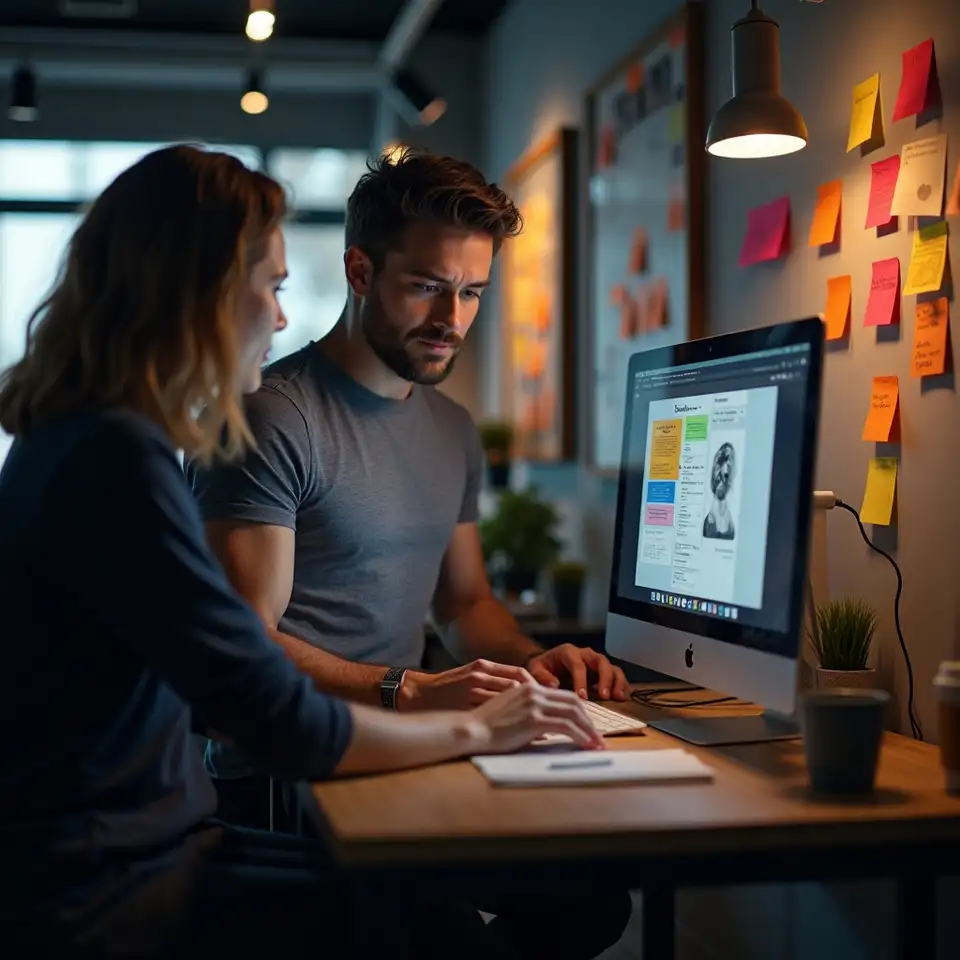

Together, they review learner feedback, refine exercises, and update guidance to reflect current devices and study patterns.
What guides our work
Porbenqyrafleosu is built on practical promises: make typing skills accessible, respect learner time, and use technology to support thoughtful practice, not distract from it.
1200+ trusted by schools, training teams, and growing organisations
Partner with Porbenqyrafleosu today
Make confident typing part of how your people work
Whether you are a parent, school leader, or team manager, you can give learners a clear pathway to faster, more accurate typing without redesigning your whole timetable.
No payment details are required to discuss goals or request a skills overview.